
All Cursor Packs
Browse our full collection of custom cursors. Find your next favorite style and install it for free.
 Oreo grey cursorAdd magic to your screen with Oreo Spark Purple custom cursors. Enjoy a captivating digital experience with our enchanting cursor designs.
 Oreo blue cursorsDiscover Oreo Blue custom cursors to add a playful touch to your desktop. Free, easy to install, and perfect for Windows!
 Oreo black cursorsEnchant your screen with Oreo Spark Purple Cursors. Add magic and allure to your desktop with these captivating custom cursors.
 Empty Butterfly GreenEnhance your desktop with the "Empty Butterfly Green" custom cursor set. Experience vibrant butterfly designs that bring a unique flair to your screen.
 Byakuya Togami cursorExplore custom cursor collections featuring Byakuya Togami, pixel art, and gaming icons. Perfect for personalizing your browsing experience!
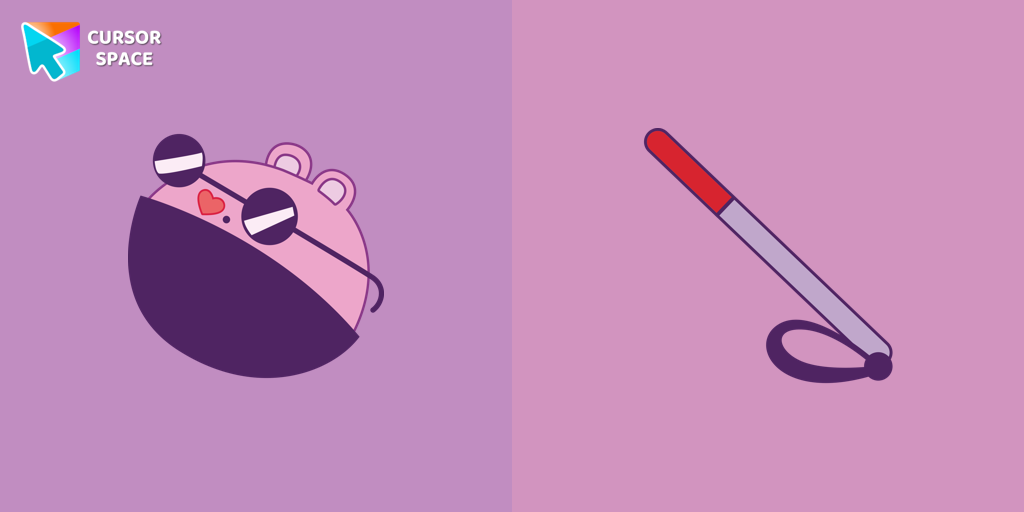 The Mole cursorThe Mole custom cursor for Google Chrome adds a fun and quirky touch to your browsing. Inspired by a small mole, it brings a playful alternative to the default cursor.
 True Heart Bear cursorThe True Heart Bear custom cursor brings charm and nostalgia to your browsing. Enjoy this adorable custom cursor for Google Chrome featuring the iconic Care Bears character.
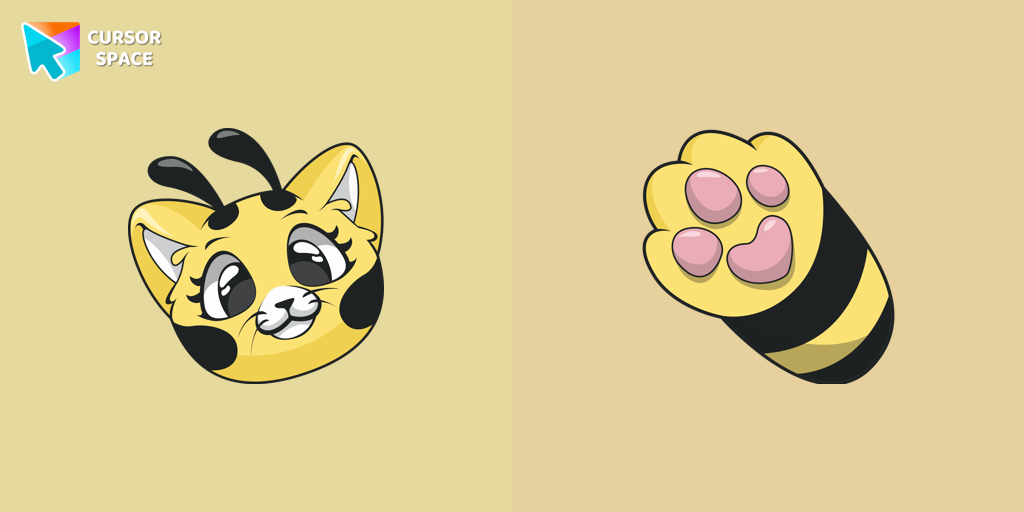 Cat-Bee cursorAdd charm to your screen with the Cat-Bee custom cursor, perfect for cat lovers and fans of quirky designs.
 Kazuha cursorGenshin Impact for Chrome cursor set has a custom cursor Kazuha as a pointing device.
 Tsireya cursorTsireya from Avatar: The Way of Water custom cursor for the mouse and pointer in a terrific custom cursors collection.
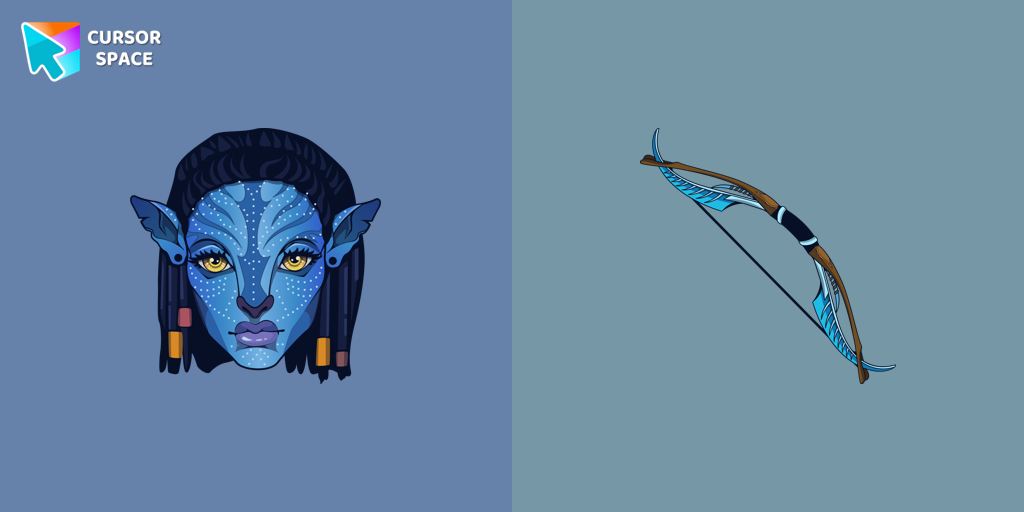 Neytiri cursorNeytiri custom cursor for the mouse in a nice design for Avatar's fans.
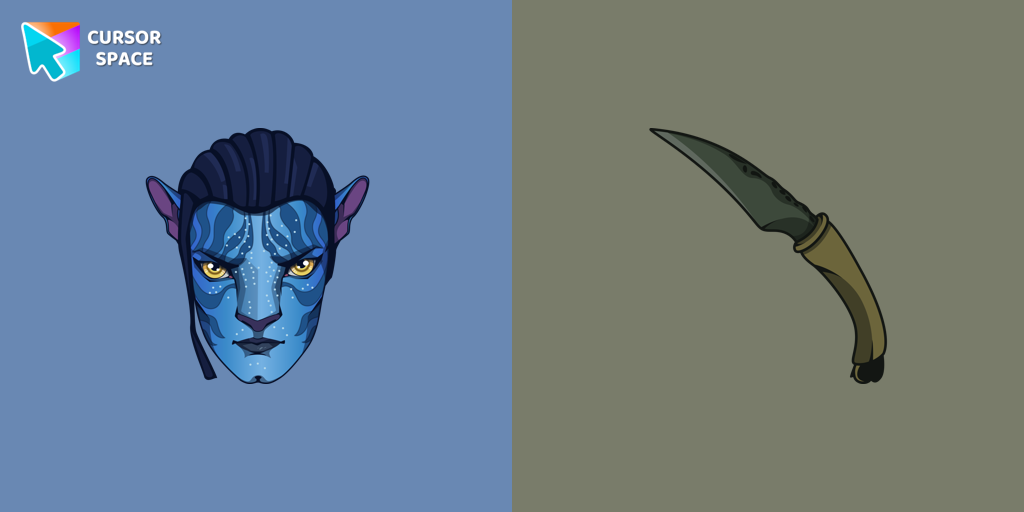 Jake Sully cursorMeet our custom cursor with Jake from Avatar for The Wishes custom cursors collection for Chrome.
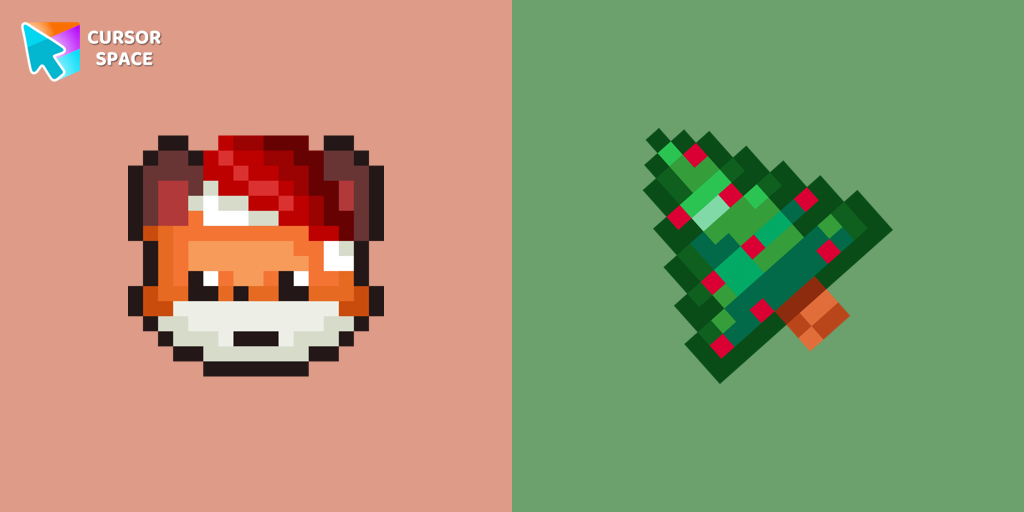 Christmas Fox Pixel cursorChristmas Fox cursor in pixel style from our Merry Christmas and Happy New Year cursors collection for Chrome is perfect for you.
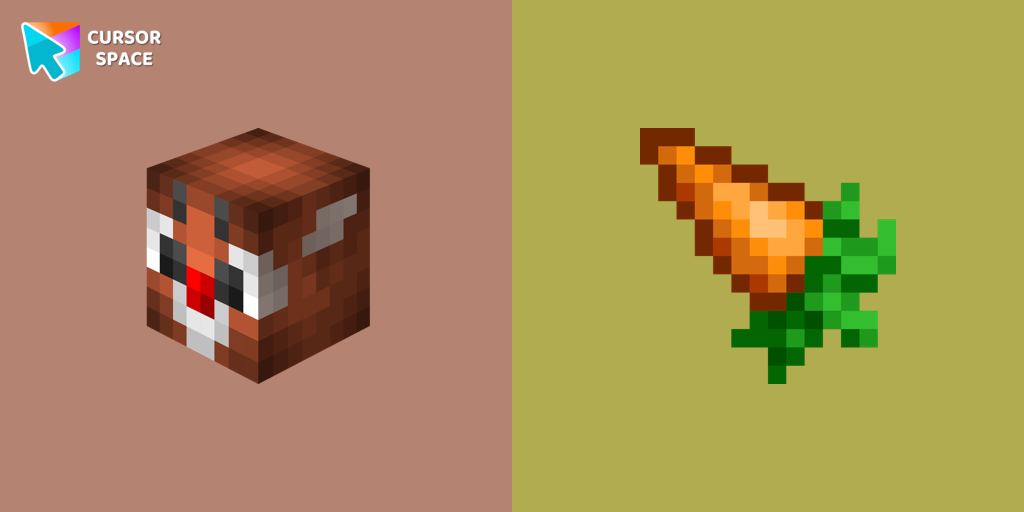 Christmas Rabbit cursorChristmas rabbit custom cursor in Minecraft style is sure to appeal not only to fans of the popular game.
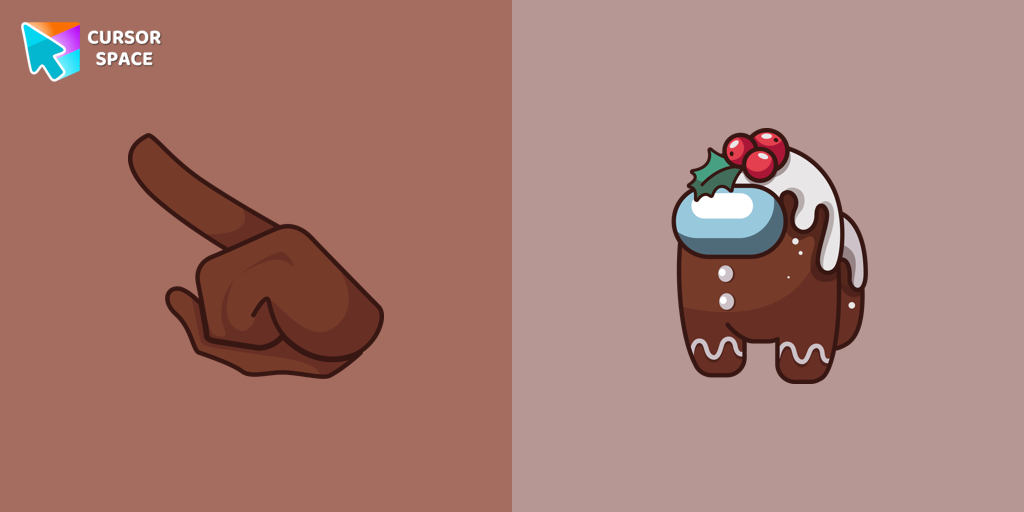 Among Us Gingerbread cursorMagic Among Us Gingerbread custom cursor for a mouse is a good fan art to decorate your browsing on the new year holidays.
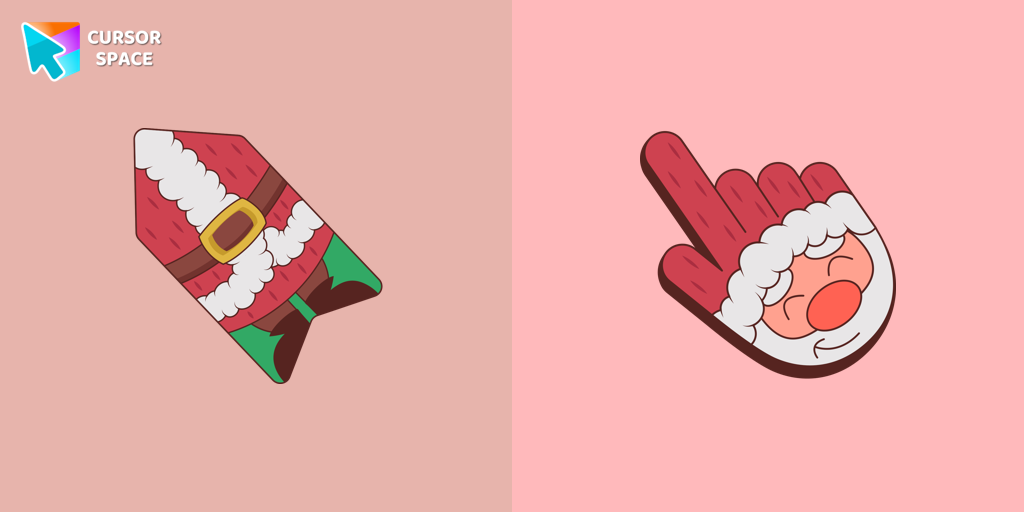 Santa cursorThis unique Santa Claus cursor is part of an exclusive collection of festive Merry Christmas and Happy New Year cursors for the Chrome browser.
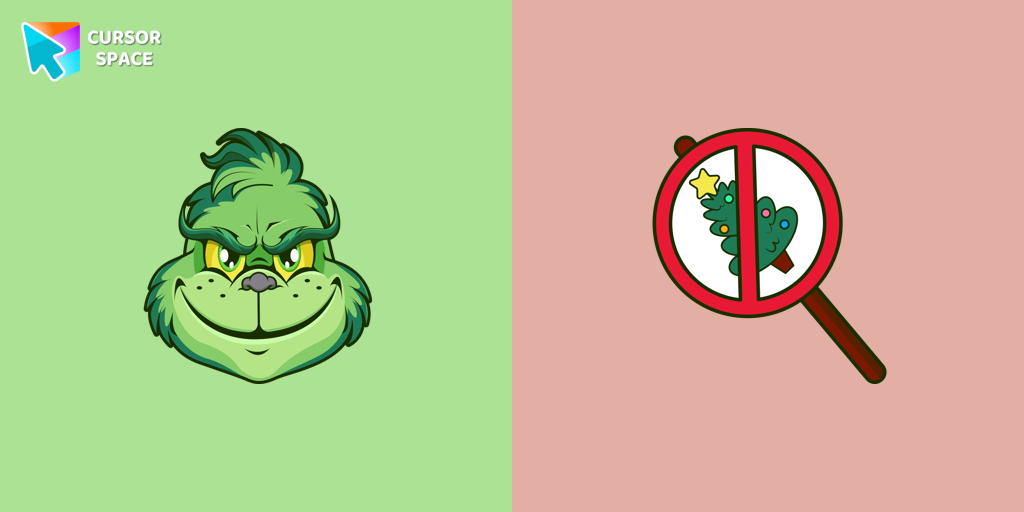 Angry Grinch cursorAngry Grinch as a custom cursor for the mouse and pointer from our Merry Christmas and Happy New Year cursor collection.
 Ángel Di María cursorMeet our custom cursor with Ángel Di María in The Wishes custom cursors collection for Chrome.
 Messi and World Cup cursorMeet our custom cursor with Messi and World Cup in The Wishes custom cursors collection for Chrome.
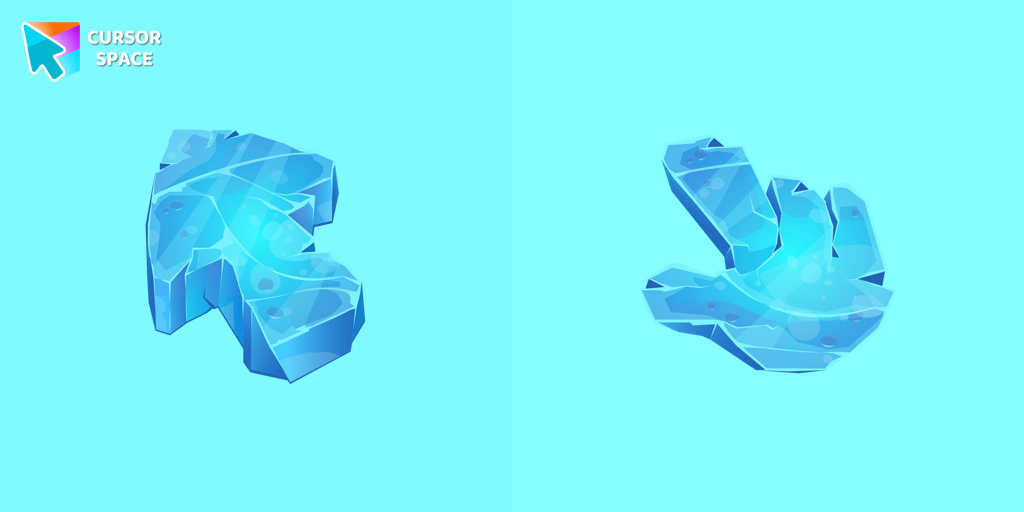 Ice Texture cursorEnhance your browsing with the Ice Texture custom cursor, featuring a frosty, unique design. Perfect for adding a cool, wintry touch to your browser!
Explore cursor packs by style
Cursor Space packs include curated cursor sets for everyday browsing: cute, minimal, anime, neon, pixel art, and more. Each pack comes with multiple cursor states (like default and pointer) and can be added to your browser in seconds.
Trending now
Fresh picks based on what people install most often.
Collections
Browse themed sets grouped by vibe and aesthetic.
Top charts
See weekly, monthly, and all-time leaders.
How to install a cursor pack
- Open any pack from the grid above.
- Click the install / add button on the pack page.
- If you don’t have it yet, install the Cursor Space browser extension.
- Apply the pack in the extension and enjoy your new cursor.
FAQ
Quick answers to common questions about cursor packs, collections, and installation.
Are cursor packs free on Cursor Space?
Most cursor packs on Cursor Space are free to browse and install. Some packs may be marked premium depending on licensing. The Cursor Space browser extension is free to install from the Chrome Web Store.
Do cursor packs work on Chrome and Edge?
Yes. Install the Cursor Space extension for Chromium-based browsers (Chrome, Edge, Brave), open a pack page, and click install/apply. The extension applies the cursor set across your browser.
How do I install a custom cursor pack?
Open the pack page, click the install or add button, install the Cursor Space extension if prompted, then apply the pack from the extension popup. Your new cursor appears immediately.
Can I change or remove a custom cursor later?
Yes. Open the Cursor Space extension, choose another pack, or restore the default system cursor from the extension settings.
Is the Cursor Space extension safe?
Cursor Space is distributed via the Chrome Web Store and Edge Add-ons. Keep the extension updated, and only install packs from trusted catalog pages on this site.